Printable Card Maker
Turn any PDF or set of pictures into printable cards. Pick how many cards you want on each page: fewer means big cards, more means small cards. Then print and cut along the dashed lines.
Your files never leave your device. Everything is processed in your browser.
How it works
- Each page of your PDF (or each picture) becomes one card.
- Cards are scaled to fit and centred, and they keep their shape. Turn on "rotate" to turn a card sideways when that makes it bigger.
- Print at 100% / actual size and cut along the dashed lines.
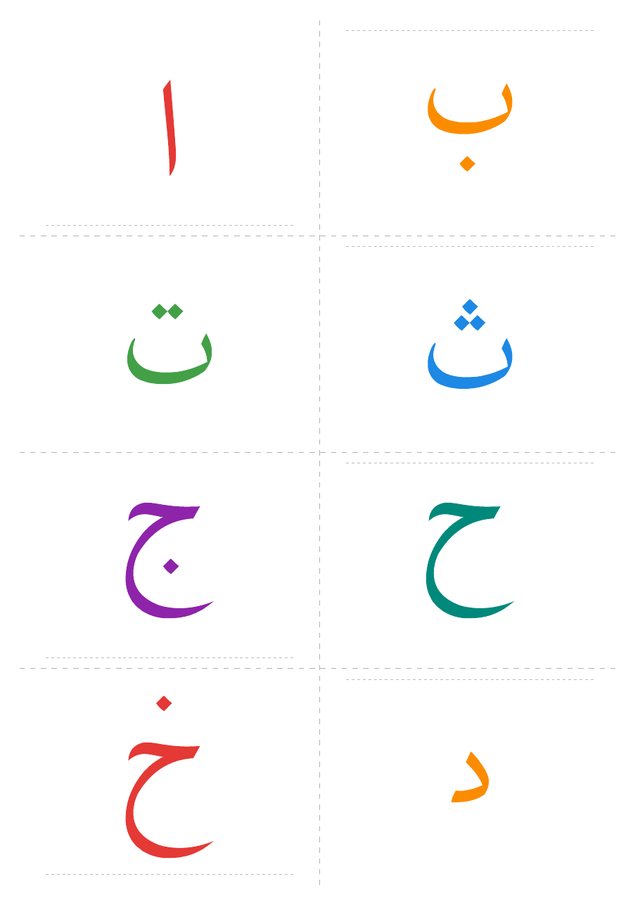
What people use it for
- Flashcards from any PDF. Letters, numbers, vocabulary or phonics sheets, at the size you want.
- Several PDF pages on one sheet. Put 2, 4, 6 or 8 pages on each sheet to save paper and ink.
- Memory and matching games. Set 2 copies of each card and print small cards for a game of pairs.
- Photo cards. Turn family photos into "who's this?" cards for a toddler, or pictures of everyday objects into first-word cards.
- Classroom cards. Name cards, picture cards and visual timetables for nurseries and teachers.
Questions
Is the card maker free?
Yes. There is no sign-up, no watermark and no limit on how many cards you make.
Are my files uploaded anywhere?
No. Your PDF or photos are read and turned into the new PDF inside your browser. Nothing is sent to a server, so it is fine for family photos or class lists.
How do I print 4 pages of a PDF on one sheet?
Choose your PDF, pick 4 cards per page, then click "Make printable PDF". Each page of your PDF becomes one card, four to a sheet, with cut lines between them.
My PDF already has 2 cards on each page. Can I split them?
Yes. Under "Cards already on each page of your PDF", pick 2 (top and bottom) or 4 (2 × 2). Each card is cut out separately before it is laid out again.
Can I make flashcards from photos?
Yes. Select several photos (JPG, PNG, WebP, or any other image your browser can open). Each photo becomes one card.
What paper sizes does it support?
A4 and US Letter. Print at 100% / actual size so the cut lines line up.
Can I print more than one copy of each card?
Yes. Set "Copies of each card" up to 8. Two copies are handy for memory and matching games.
Ready-made cards
Try my free toddler printables (English and Arabic) or the Arabic alphabet flashcards.